Help Center
Account & Settings
Manage your profile and security
Update your personal information and keep your account secure.
1
Update your profile
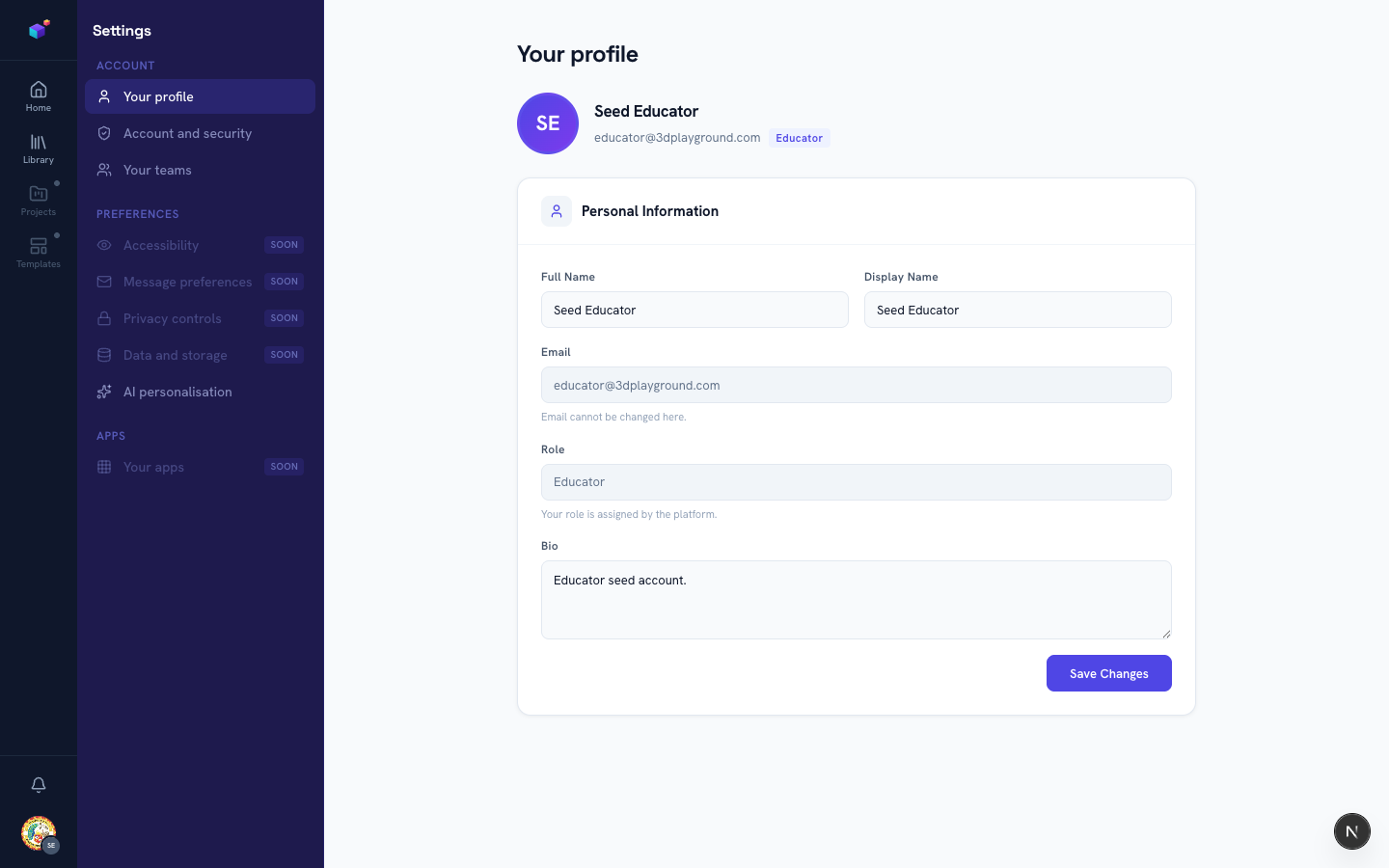
Go to Settings → Your profile to update your full name, display name, and bio. Your email and platform role are shown but managed elsewhere for security.
2
Change your password
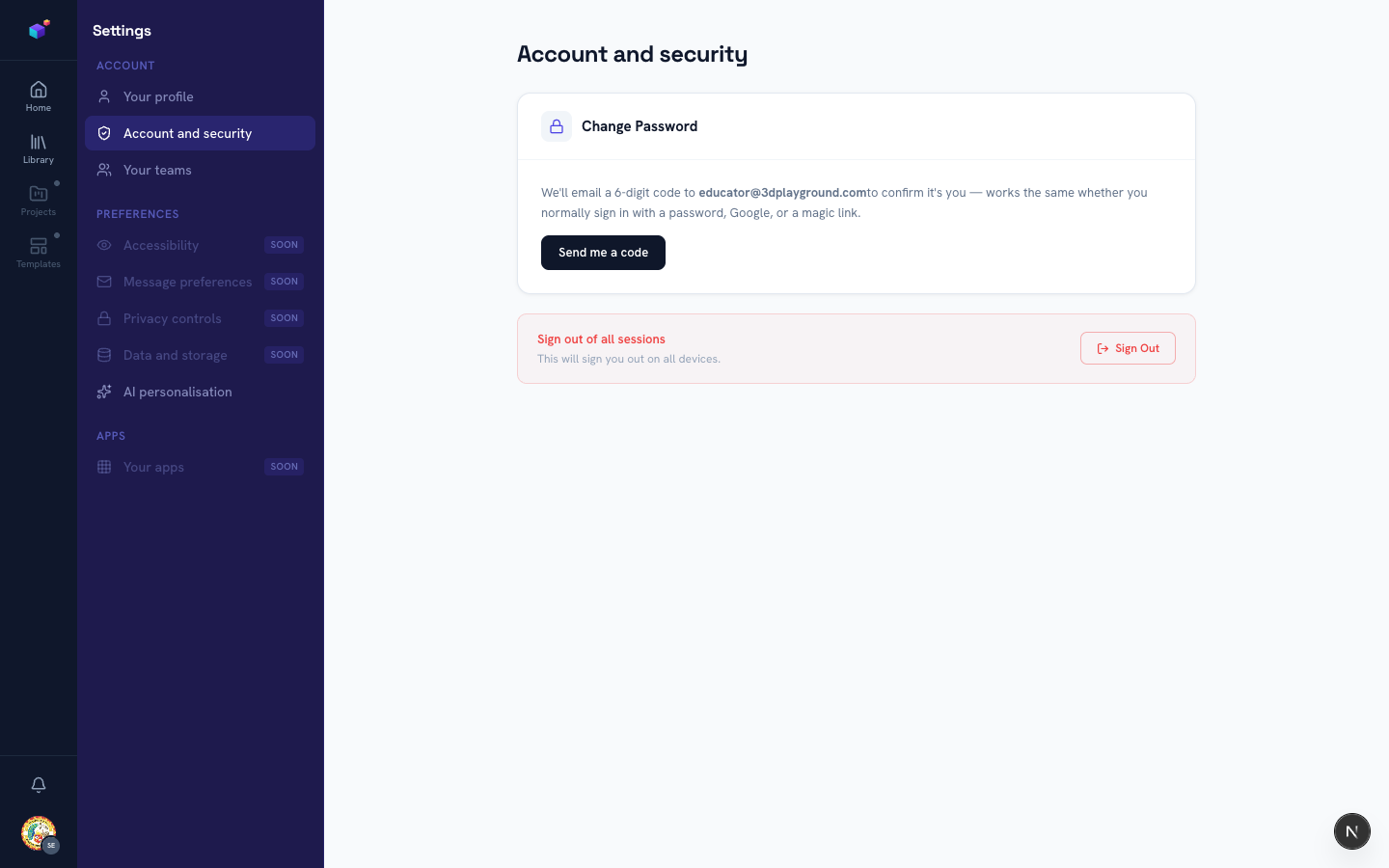
Go to Settings → Account and security and click "Send me a code" — we’ll email a 6-digit code to confirm it’s you, which works even if you normally sign in with Google or a magic link. Enter the code along with your new password to finish.
3
Sign out everywhere
If you ever suspect your account is signed in somewhere it shouldn’t be, use "Sign Out" in the same section to end every active session at once.
Related articles