Help Center
Getting Started
Create your account and sign in
Sign up for free and get to your first login in under a minute.
1
Sign up for a free account
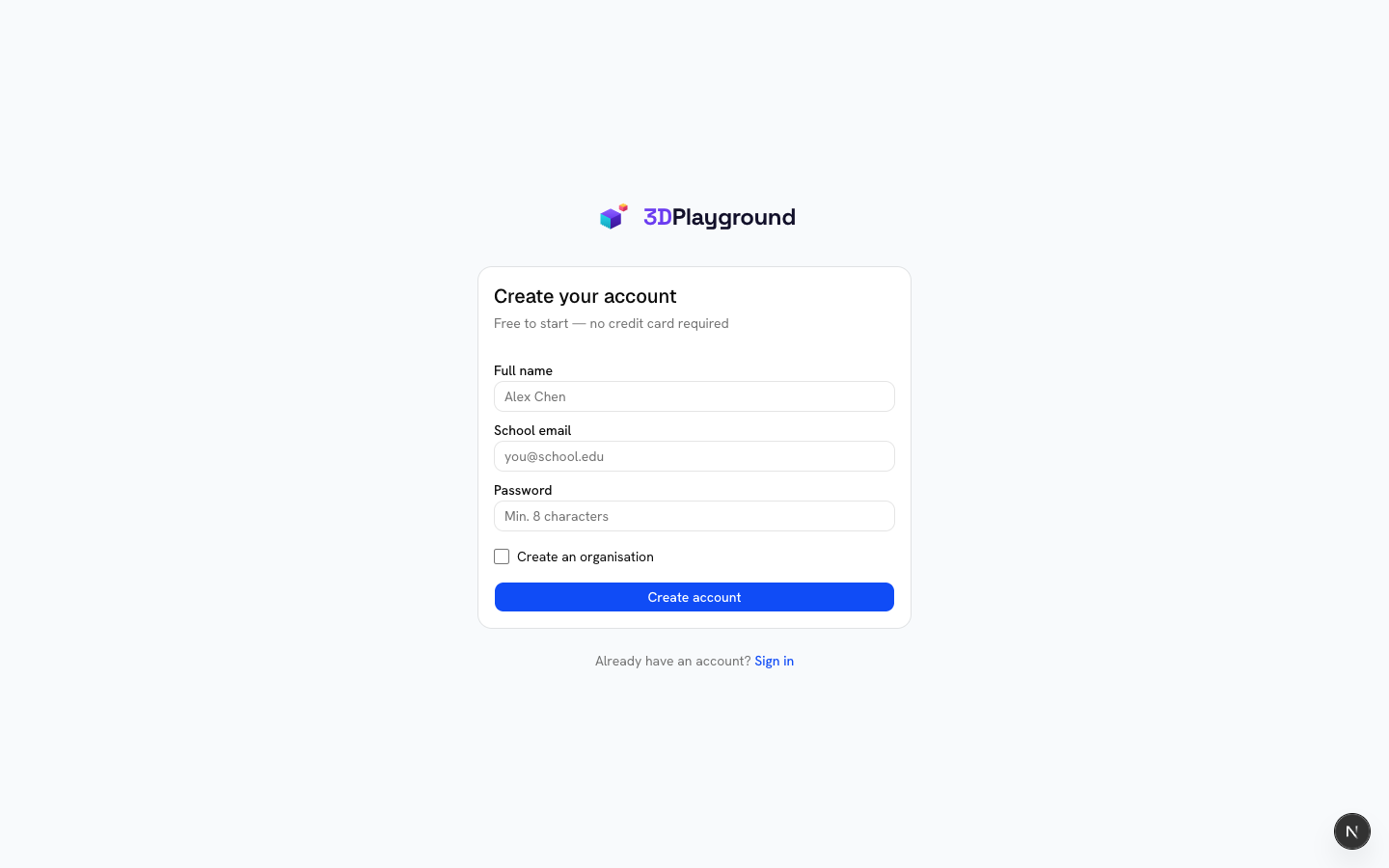
Go to the sign-up page and create an account with your email, or continue with Google. No credit card required — every account starts on the free plan.
2
Sign in
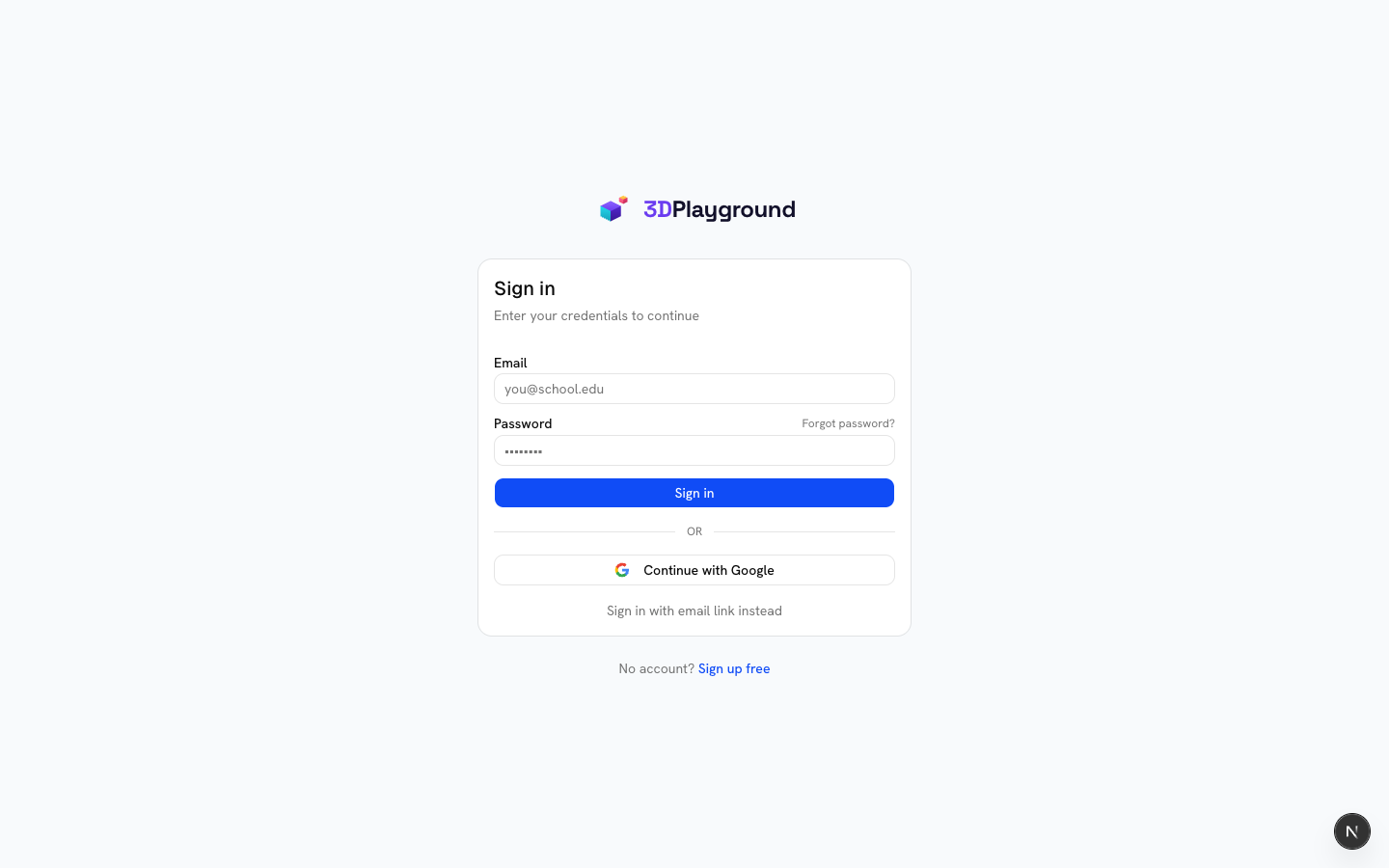
On the sign-in page you can use your email and password, "Continue with Google", or "Sign in with email link instead" for a passwordless magic link. Forgot your password? Use "Forgot password?" — we’ll email a 6-digit code to confirm it’s you, even if you normally sign in with Google.
3
You’re in
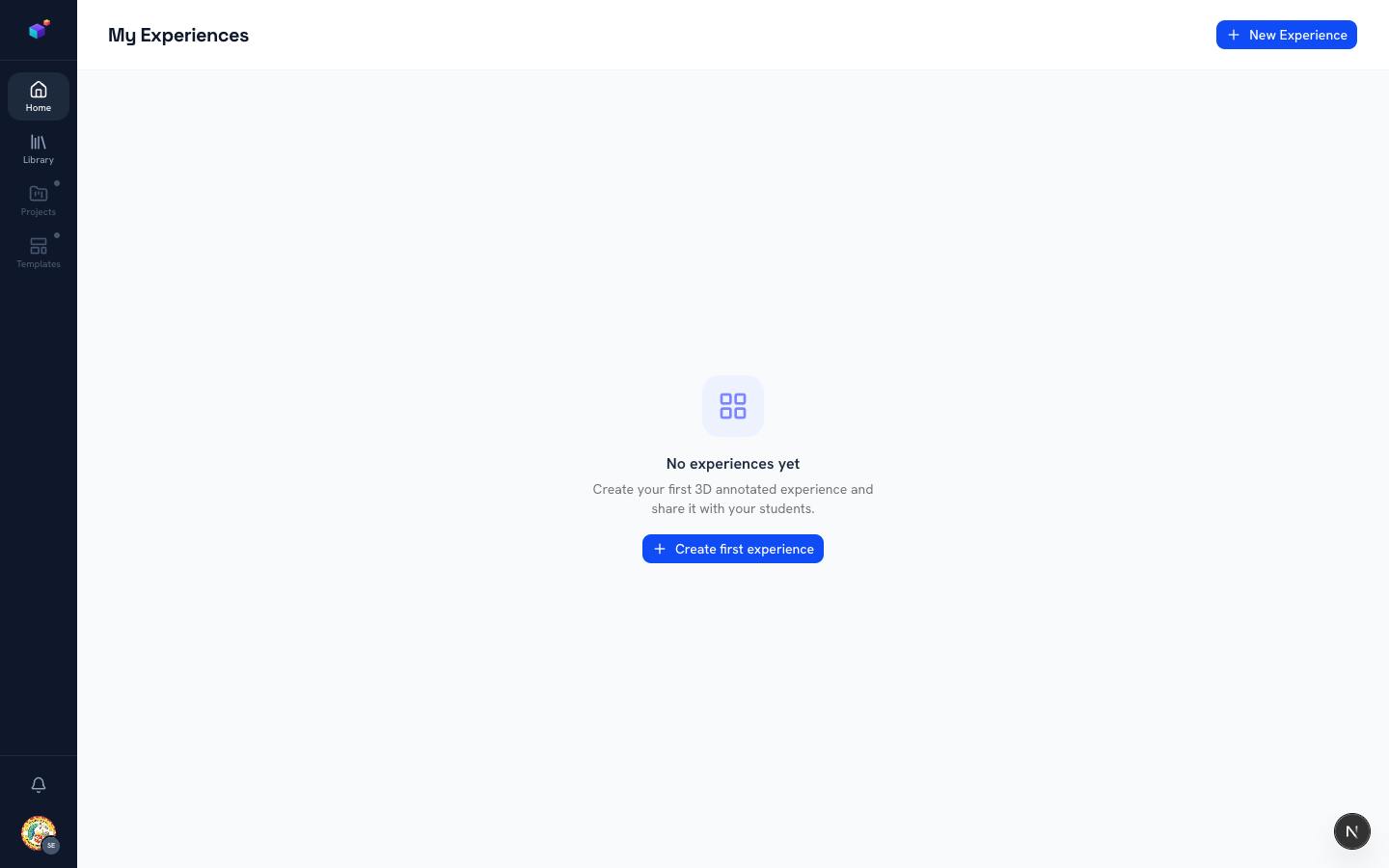
Once signed in, you land on your Home page — this is "My Experiences", your personal space for 3D content. A brand-new account starts empty, with a "Create first experience" shortcut front and centre.
Related articles