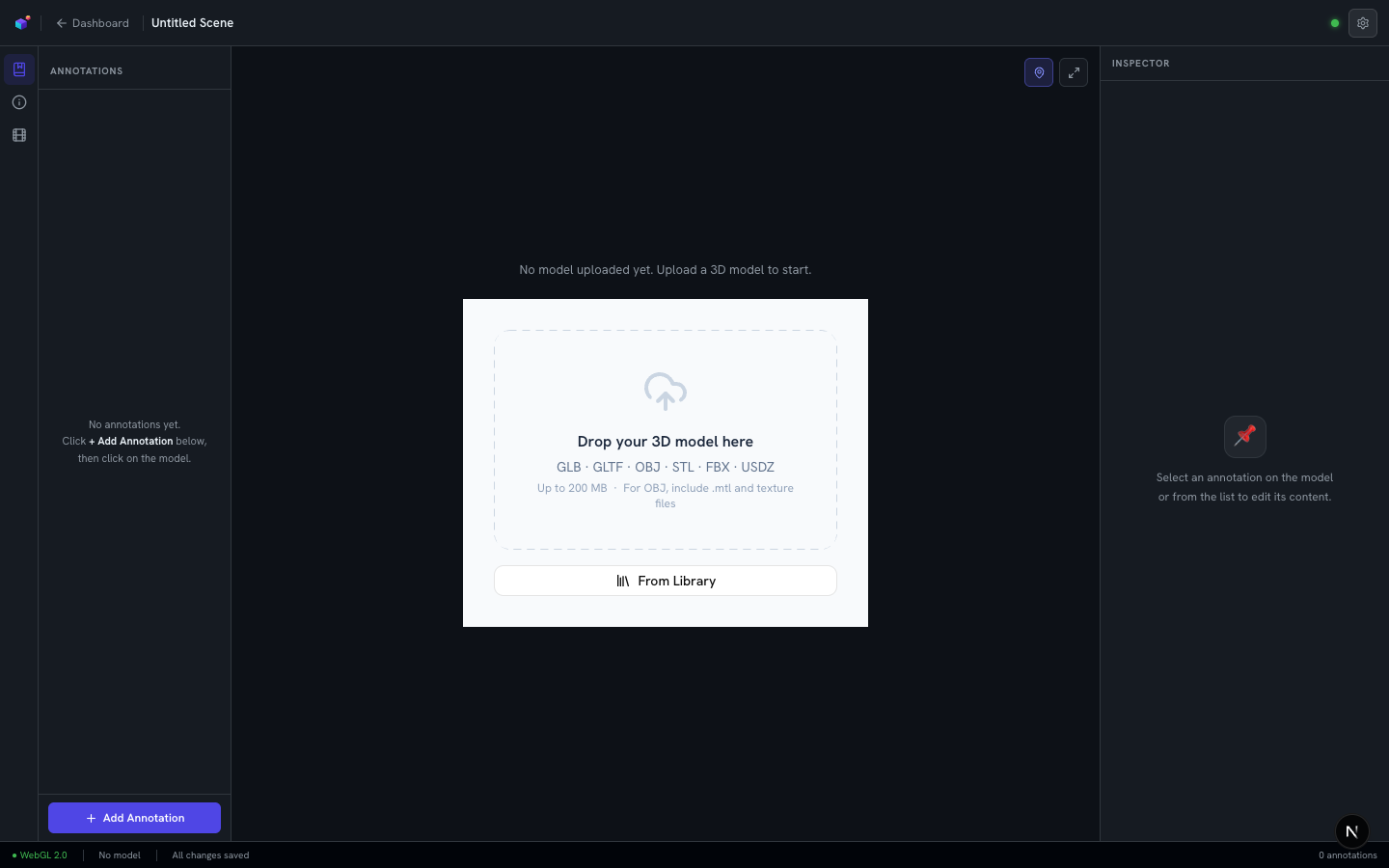
3D Scenes & Annotations
Create your first 3D experience
Start a new experience from the shared model library, or import your own 3D file.
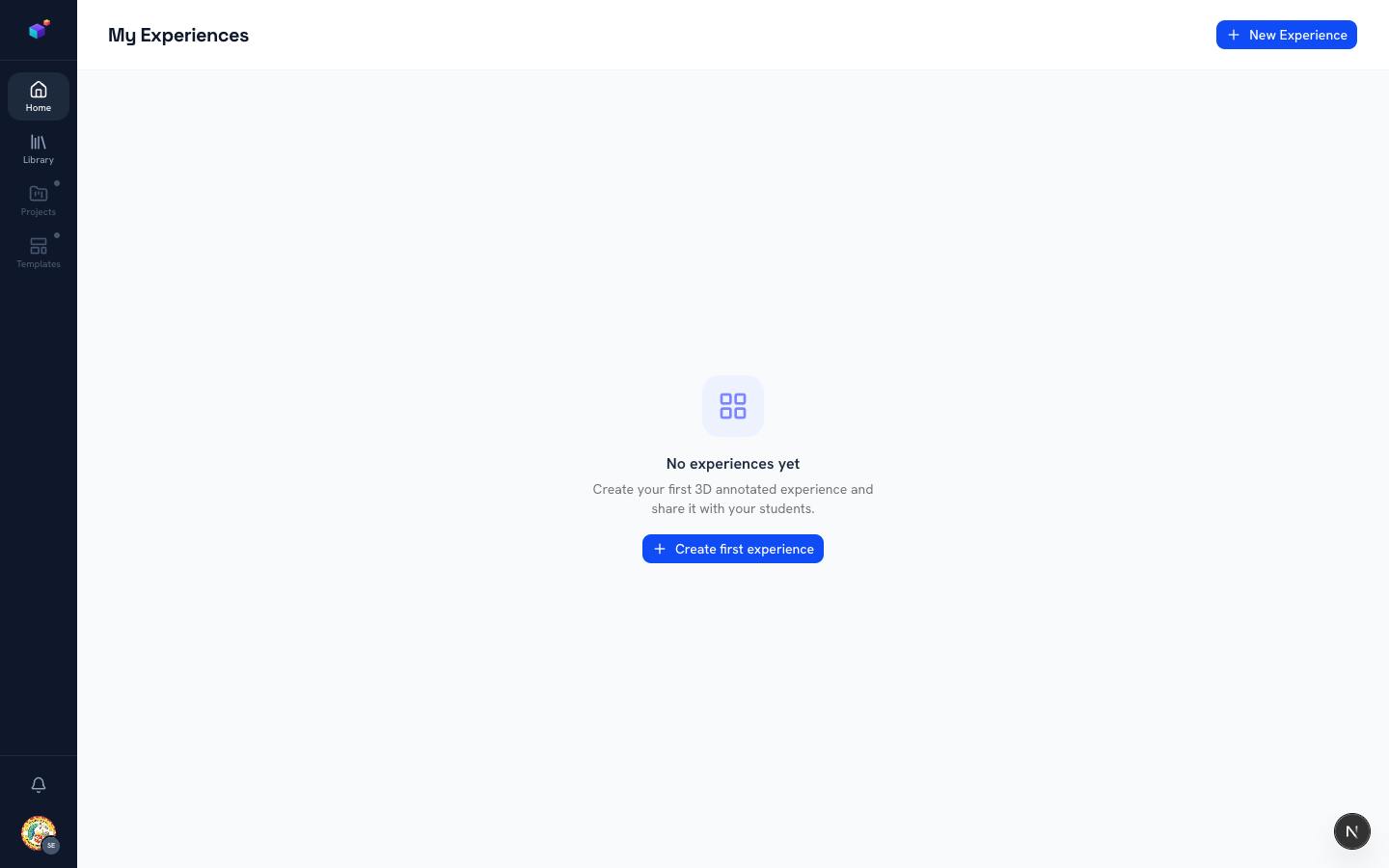
Click "New Experience"
From your Home page, click the "New Experience" button in the top-right corner (or "Create first experience" if your library is empty).
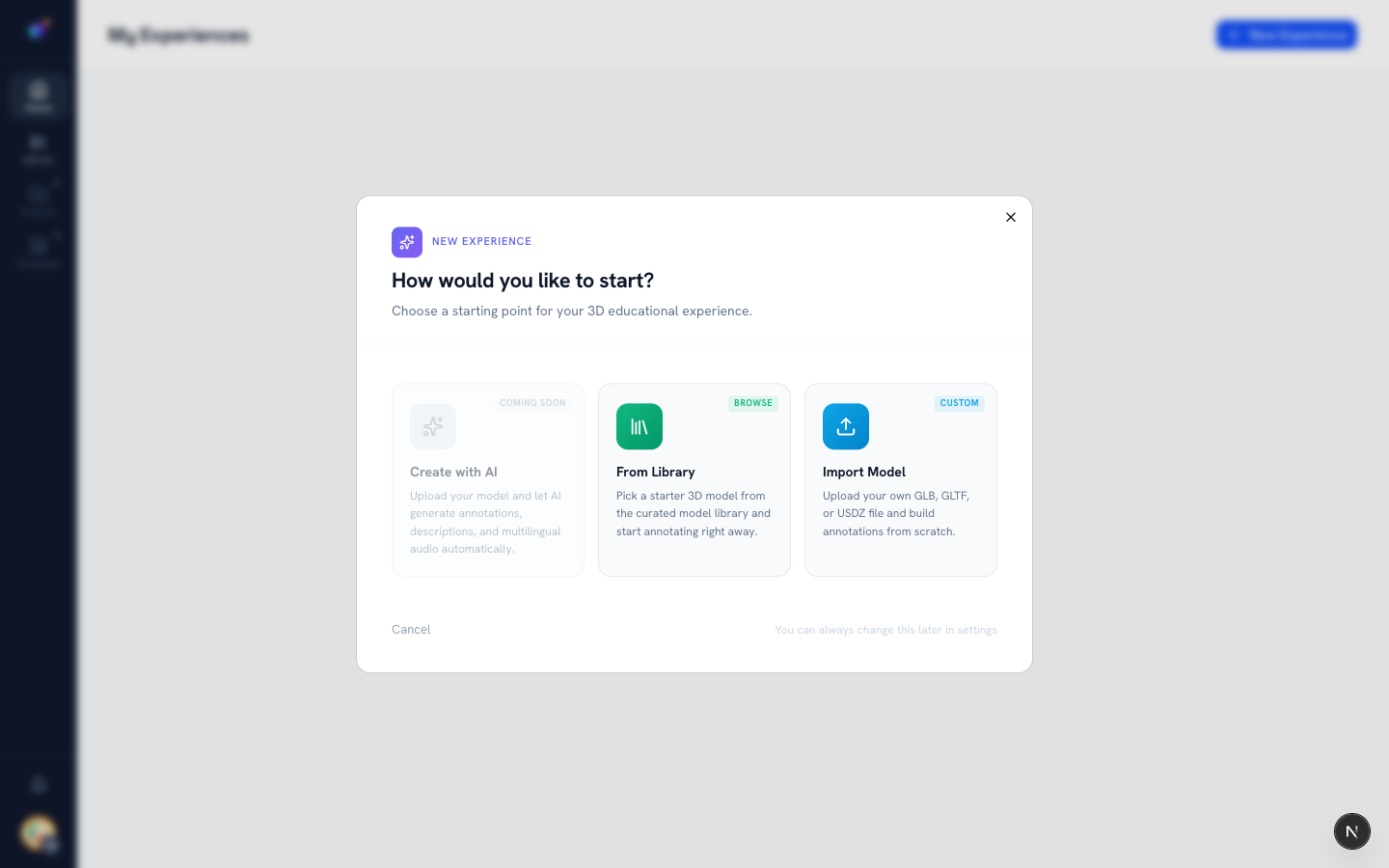
Choose how to start
A wizard opens with three starting points: "Create with AI" (upload a model and let AI draft everything for you — coming soon), "From Library" (pick a starter model from the curated model library and start annotating right away), and "Import Model" (upload your own file and build annotations from scratch).
Upload your model
If you chose Import Model, you land directly in the editor with an empty canvas. Drag and drop a file into the dropzone, or click to browse — GLB, GLTF, OBJ, STL, FBX, and USDZ are all supported, up to 200 MB. For OBJ files, include the matching .mtl and texture files.