AI Features
Generate annotations automatically with AI
Let AI analyse your model and draft annotations, descriptions, and translations for you.
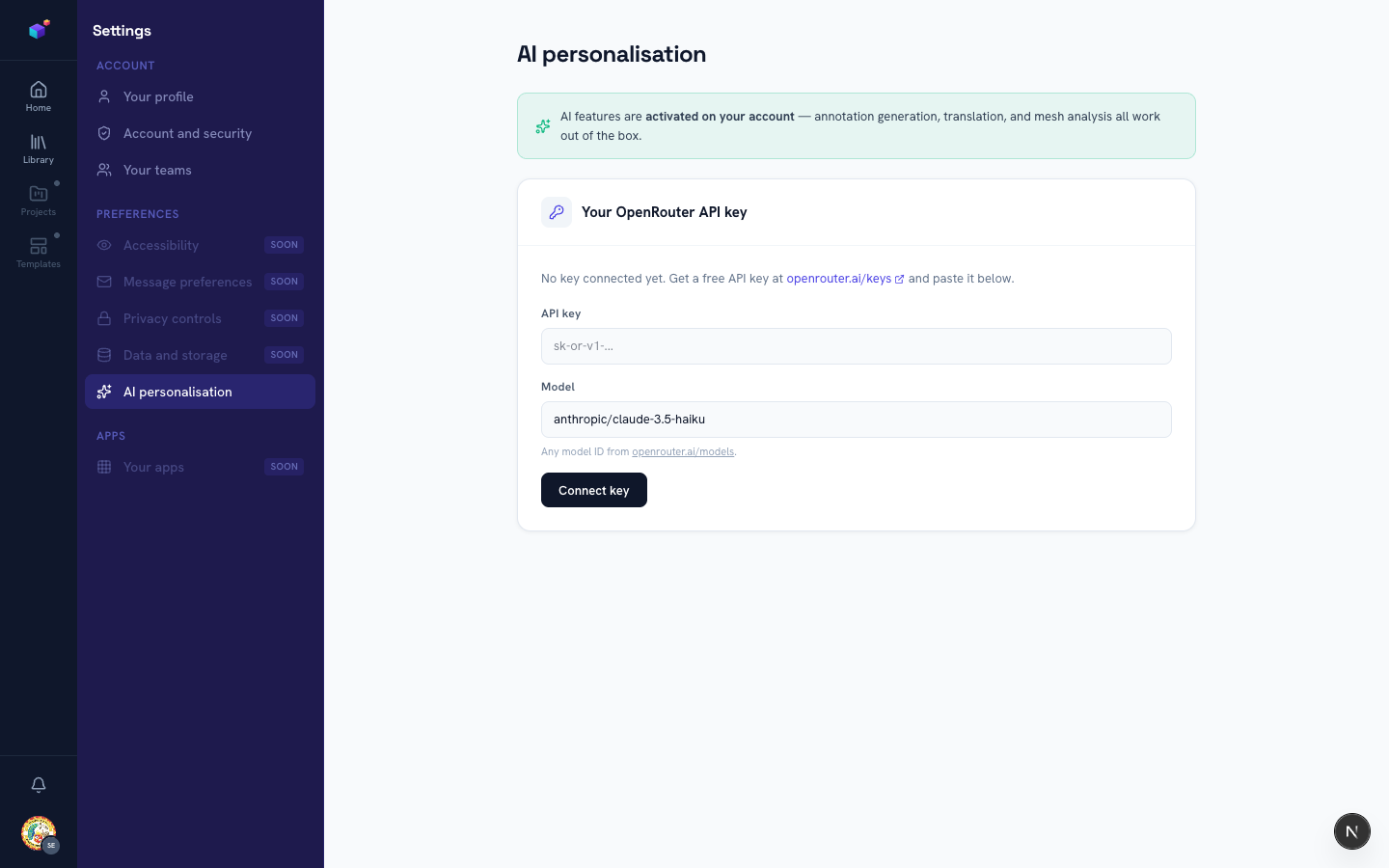
Check that AI is available on your account
AI generation, translation, and mesh analysis all need to be switched on — either by your platform administrator, or by connecting your own OpenRouter key. Head to Settings → AI personalisation to check your status.
Generate from inside the editor
With a model loaded, use the AI actions in the editor to generate annotations by model name or topic, enhance annotations you’ve already written, or translate them into another language. Generated content always lands in the Annotations panel for you to review and edit before publishing.
Don’t have platform AI activated?
You don’t need to wait on an administrator — connect your own free OpenRouter API key and use every AI feature under your own account.
Related articles