Help Center
3D Scenes & Annotations
Add and edit annotations
Pin points of interest on your 3D model and write educational content for each one.
1
Open the Annotations panel
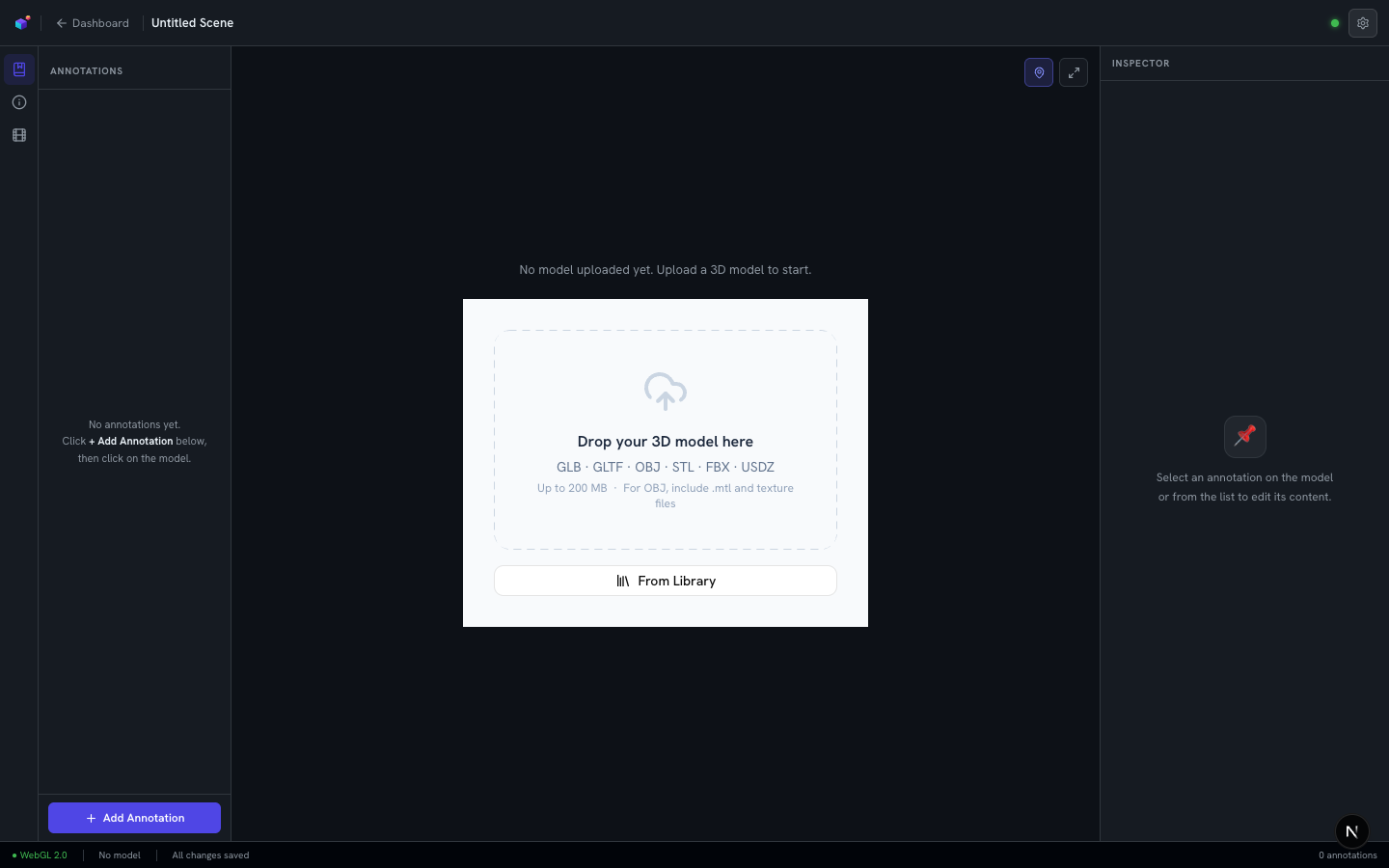
The left-hand panel in the editor lists every annotation on the current model. On a fresh scene it starts empty, with a hint: "Click + Add Annotation below, then click on the model."
2
Pin a point of interest
Click "+ Add Annotation", then click anywhere on the 3D model to drop a pin at that exact point. You can add as many pins as your model needs — one per part, feature, or concept you want to highlight.
3
Write the content
Select a pin from the list (or on the model itself) to edit it in the Inspector panel on the right: give it a short label, a title, and a description. Annotations can also carry audio and be translated into other languages once written.