What does a diagram look like once it stands up?
Walk around it. Reach into it. Ask it another question.
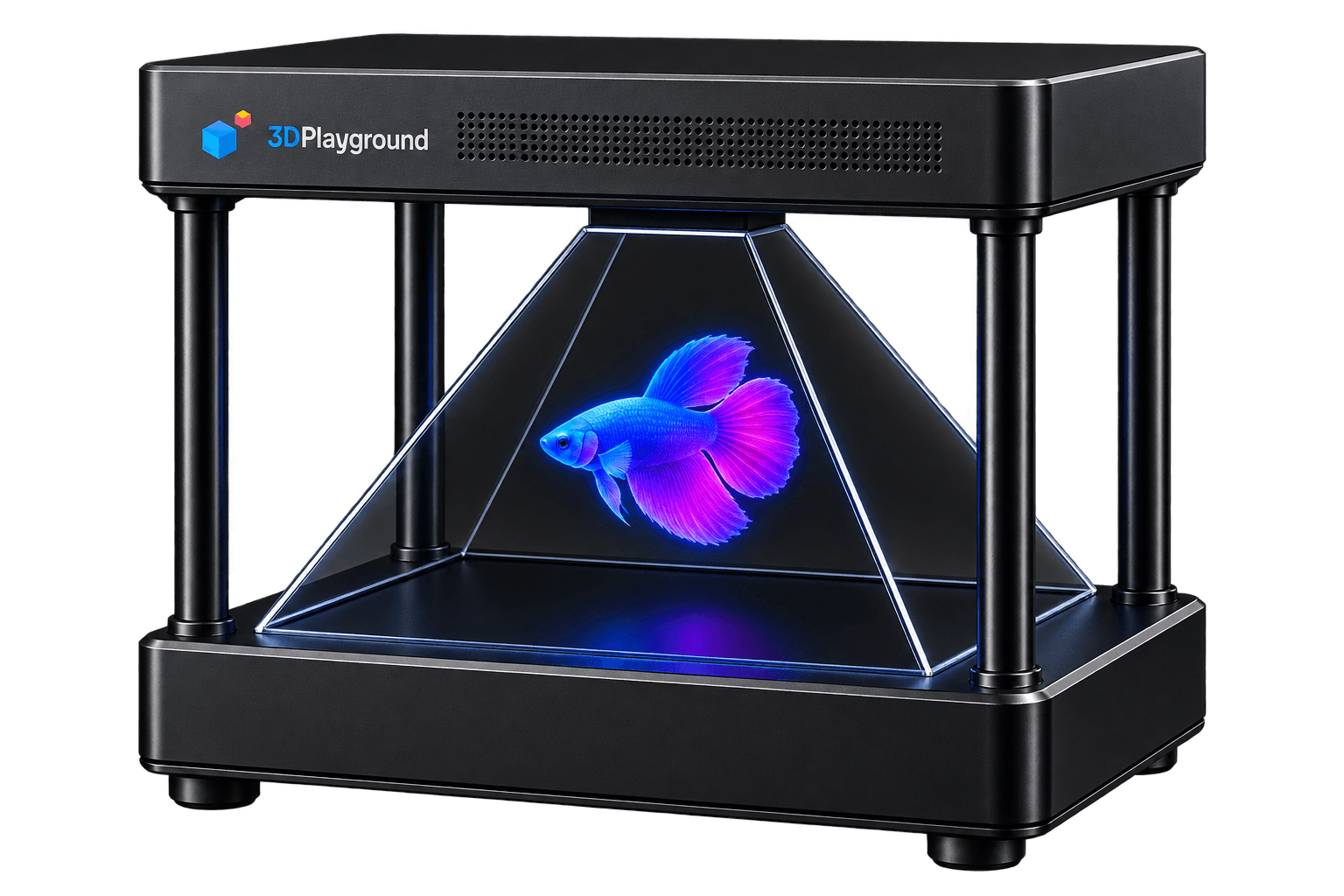
Display
Your content. Your computer. Your HoloVision.
What if the computer you already own didn’t need replacing, just a different way to show what’s on it? Connect it, and whatever is on its screen floats in the air instead.
Learn moreStandalone
Plug in. Power on. Play.
What takes longer: plugging something in, or waiting for it to load? HoloVision Standard needs nothing but a wall socket. A computer already lives inside, holding your content and ready the moment it powers on.
Learn moreInteractive
See it. Touch it. Control it.
Why should turning a model over mean putting down what’s in your other hand? HoloVision Pro reads a hand in the air. Reach toward the model and it turns. Pull back and it steps through your content.
Learn moreCollaborative
Two sides. Two users. One experience.
What happens when two people disagree about which angle explains it best? HoloVision Pro Max reads two hands from two sides at the same time — a teacher and a student, or two students, each with their own view and their own control.
Learn moreImmersive
Interact from every side.
Who gets to stand at the front, when there isn’t a front? HoloVision 360 reads a hand from every side at once. A room can gather around it and each person reaches in on their own.
Learn moreTwo different kinds of HoloVision
Professional
Professional 3D visualization, inside HoloVision.
What gets lost when a model is simplified for a classroom? HoloVision Studio doesn’t ask you to find out. It holds dense, professional models — engineering assemblies, architectural plans, medical scans — at a size and sharpness a classroom unit isn’t built for.
Learn morePortable
Take the hologram anywhere.
Why should a good demonstration depend on a good room? HoloVision Mobile is built to travel — smaller, lighter, with a handle built into the unit and a case made to carry it.
Learn moreWhat would you bring into the room first?
21 published 3D experiences ship with the box. Not an empty screen.


Which one answers your question?
| Spec | HoloVision Basic | HoloVision Standard | HoloVision Pro | HoloVision Pro Max | HoloVision 360 | HoloVision Studio | HoloVision Mobile |
|---|---|---|---|---|---|---|---|
| Display size | 22-inch Full HD | 22-inch Full HD | 22-inch Full HD | 22-inch Full HD | 27-inch Full HD | 32-inch 4K | 15.6-inch Full HD |
| Viewing sides | Four-sided holographic viewing | Four-sided holographic viewing | Four-sided holographic viewing | Four-sided holographic viewing | Four-sided holographic viewing | Four-sided holographic viewing | Four-sided holographic viewing |
| Interaction | Not included | Not included | One side | Two sides | Every side | Every side | One side |
| Computer included | Bring your own | Yes | Yes | Yes | Yes | Yes | Yes |
| Best for | Institutions with a computer to spare. | Classrooms that want it working in minutes, not set up. | A classroom where one person leads. | Two people working the same model at once. | Museums, science centres, and open floors. | Engineering, architecture, medicine, and industrial design. | Workshops, outreach, and anywhere that isn’t a fixed room. |
| Price | From ₹35,399 | Configure to order | From ₹76,699 | Configure to order | From ₹1,53,399 | Configure to order | Configure to order |
Reserve
Ready to ask it a question in person?
Not a checkout. No payment now — we'll follow up to confirm specifics and lead time.