Getting Started
Find your way around 3DPlayground
A tour of the sidebar, your shared library, notifications, and account menu.
The sidebar
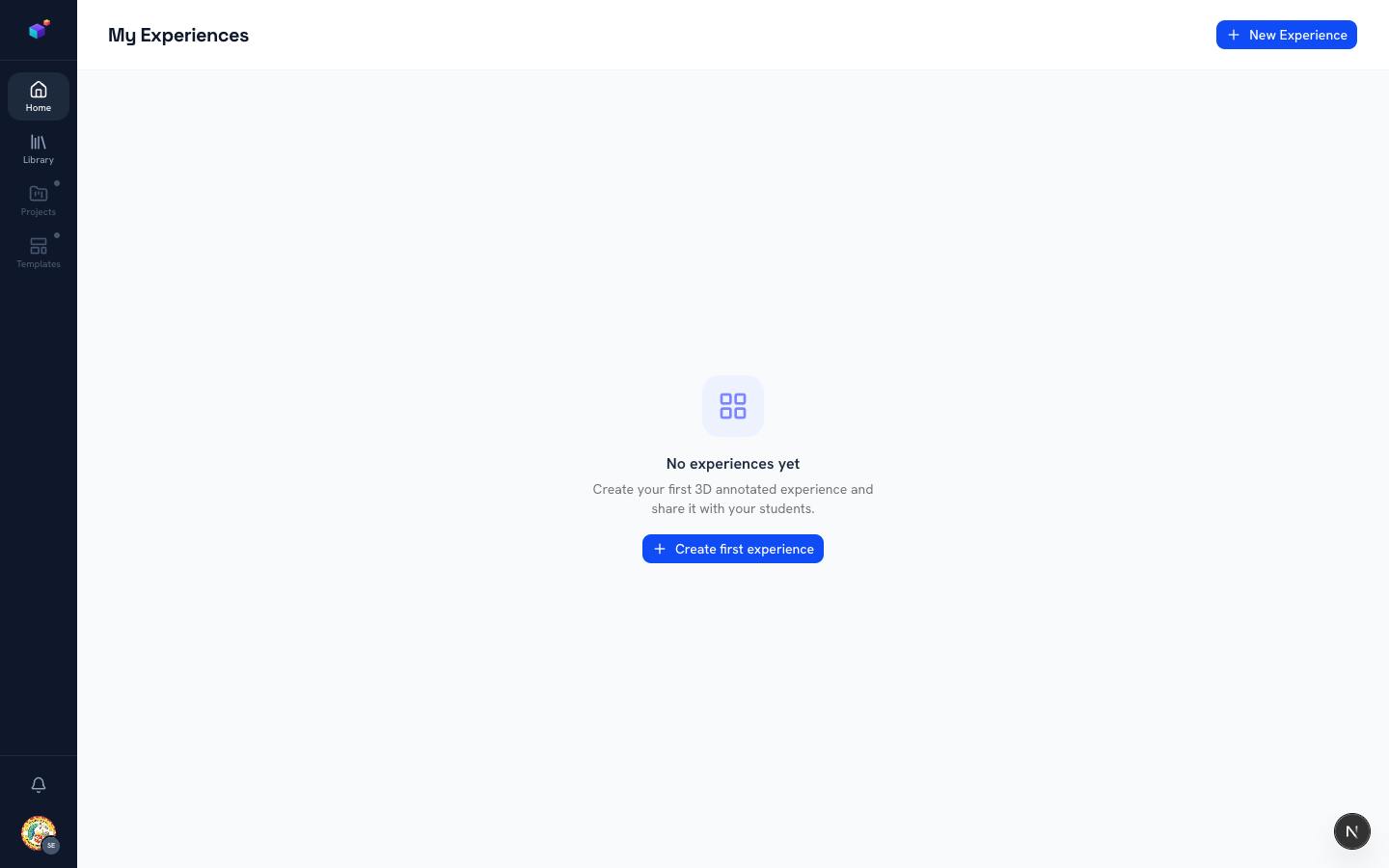
The left-hand rail is always there: Home takes you to your experiences, Library opens the shared 3D model library, and Projects / Templates are on the way ("Soon"). Your account and notifications live at the bottom, pinned in place.
Browse the 3D Library
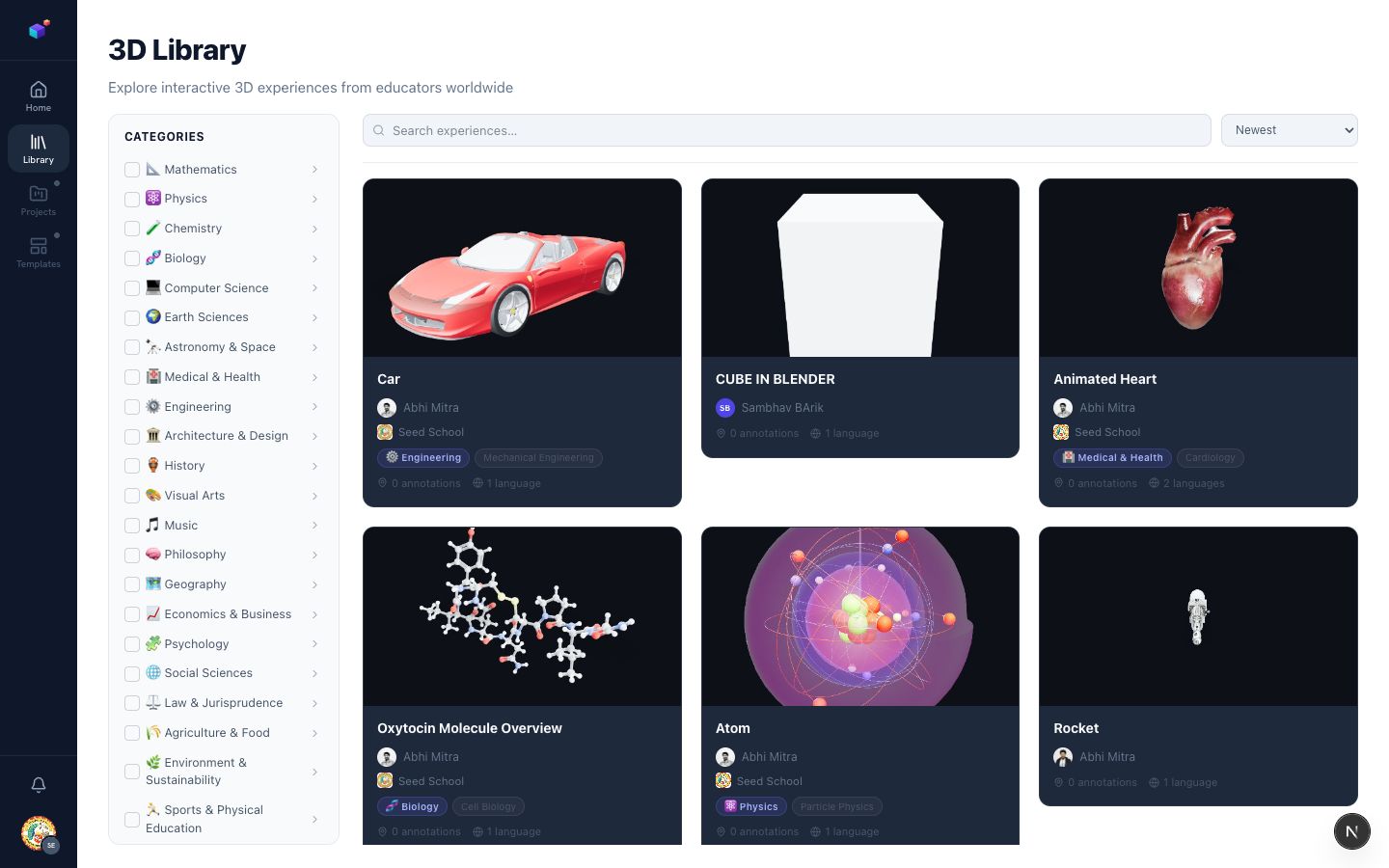
Click Library to explore interactive 3D experiences published by educators worldwide. Filter by subject category down the left side, search by keyword, or sort by newest — the title, search bar, and category list stay fixed in place while just the results scroll.
Your account menu
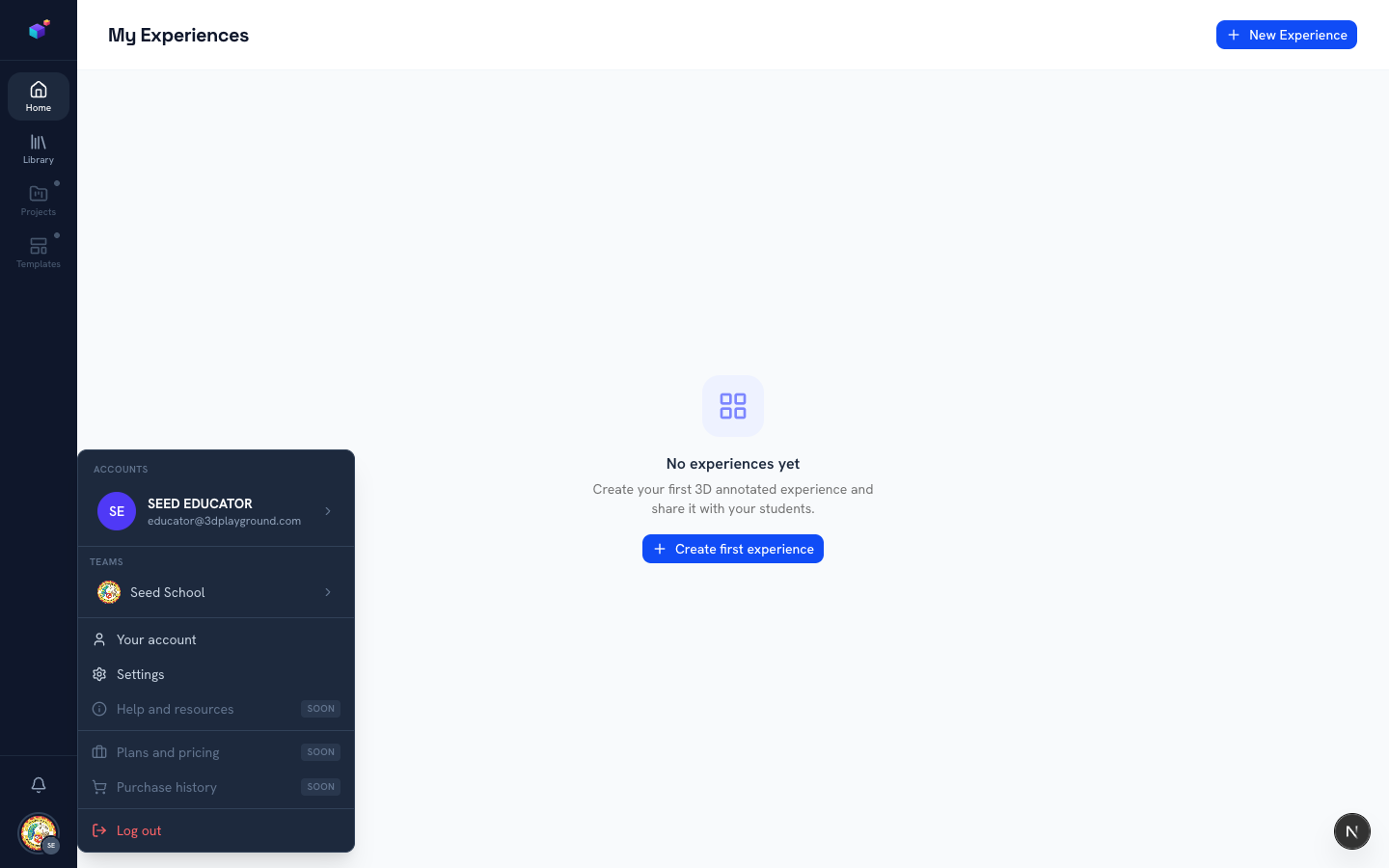
Click your avatar in the bottom-left corner to open Accounts. From here you can jump to your profile, switch teams, open Settings, or log out.
Notifications
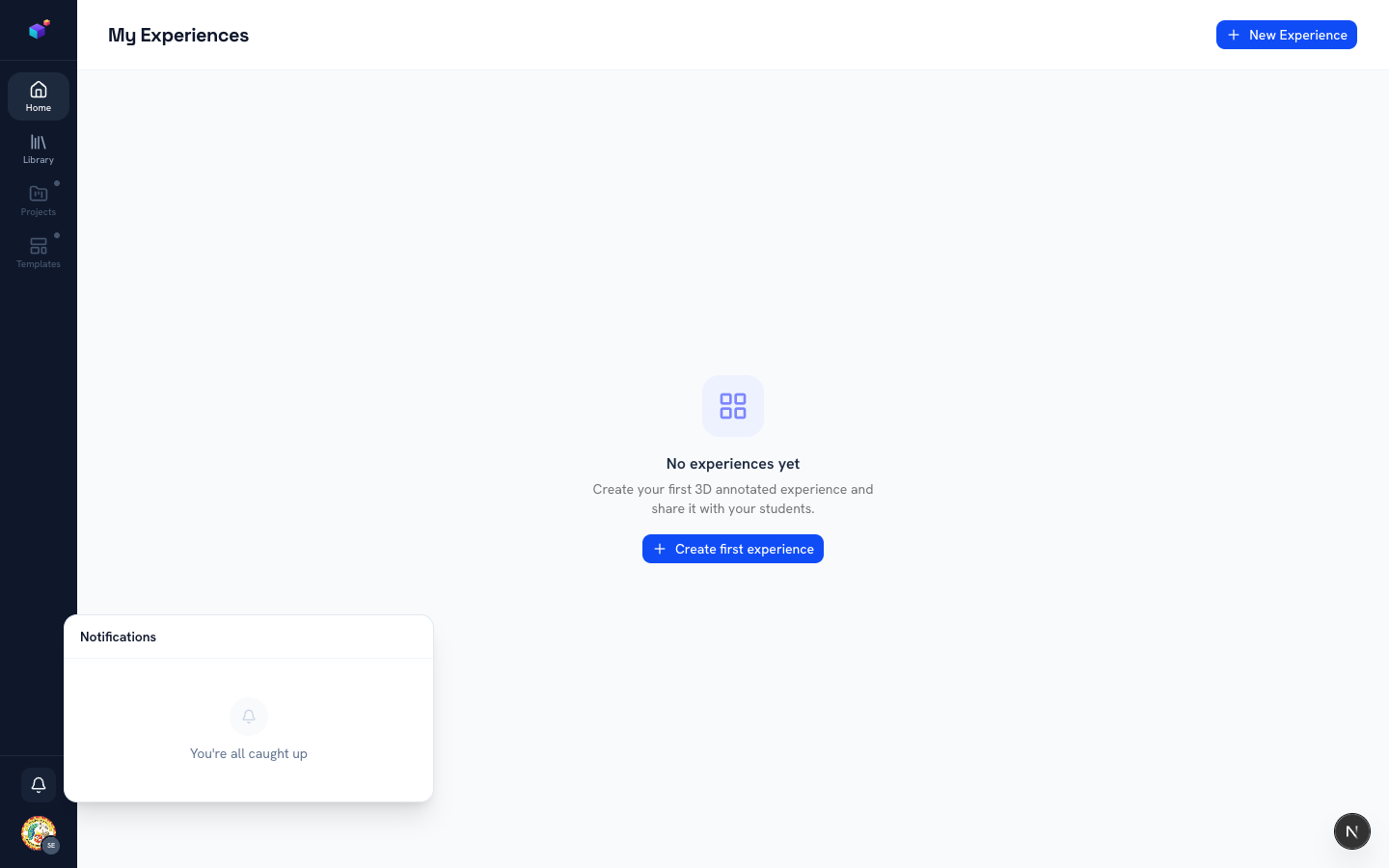
The bell icon shows updates that need your attention — like a scene submitted for approval, or a decision on something you submitted yourself. A dot appears when there’s something new.
Related articles