Help Center
Teams & Organisations
Create and manage your team
Every account starts with a personal space — set up a team to collaborate with colleagues.
1
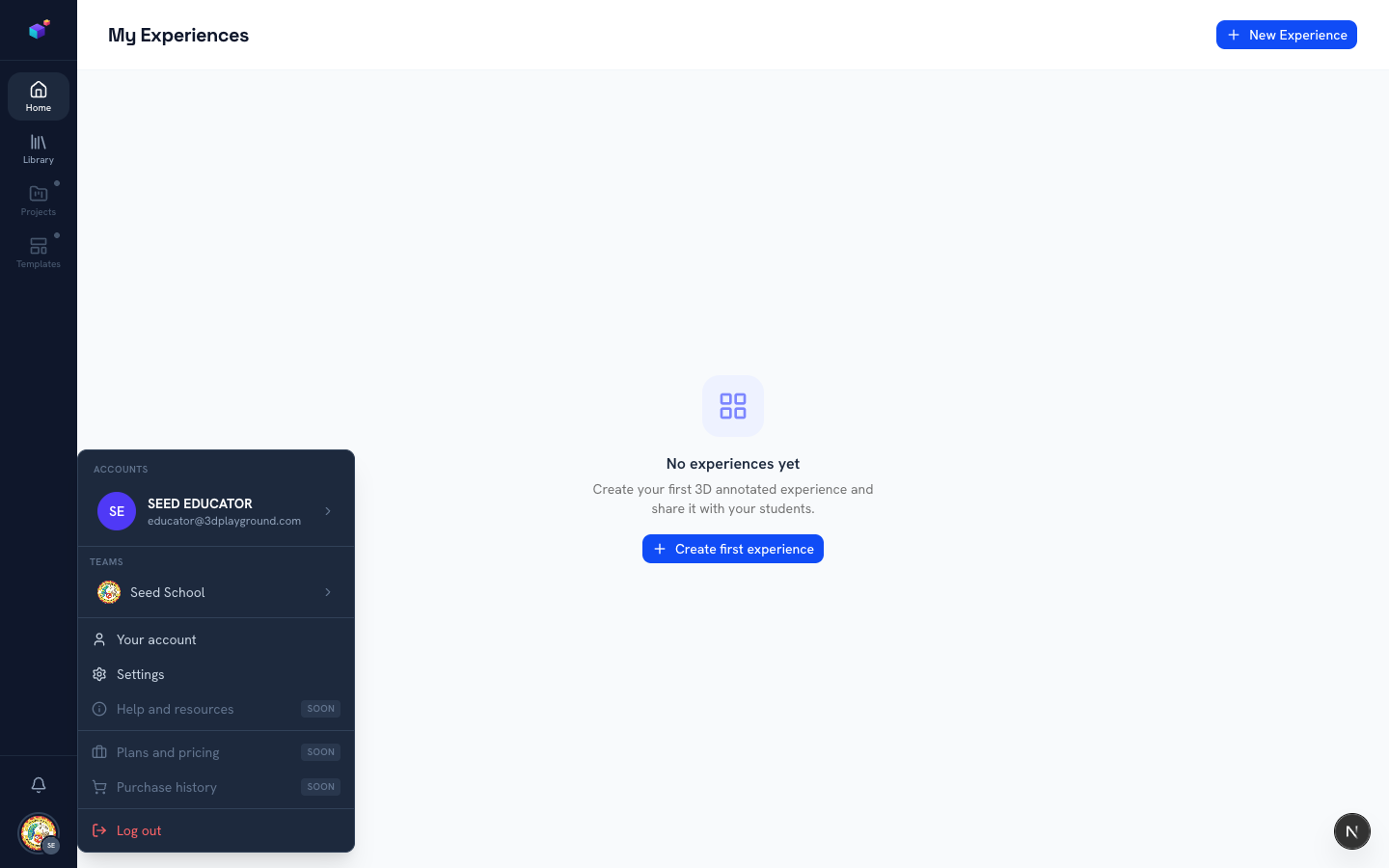
Switch teams from the account menu
Open your account menu and click the Teams row to see every team you belong to, and switch between them. Whatever you create while a team is active is shared with that team; your personal space stays separate.
2
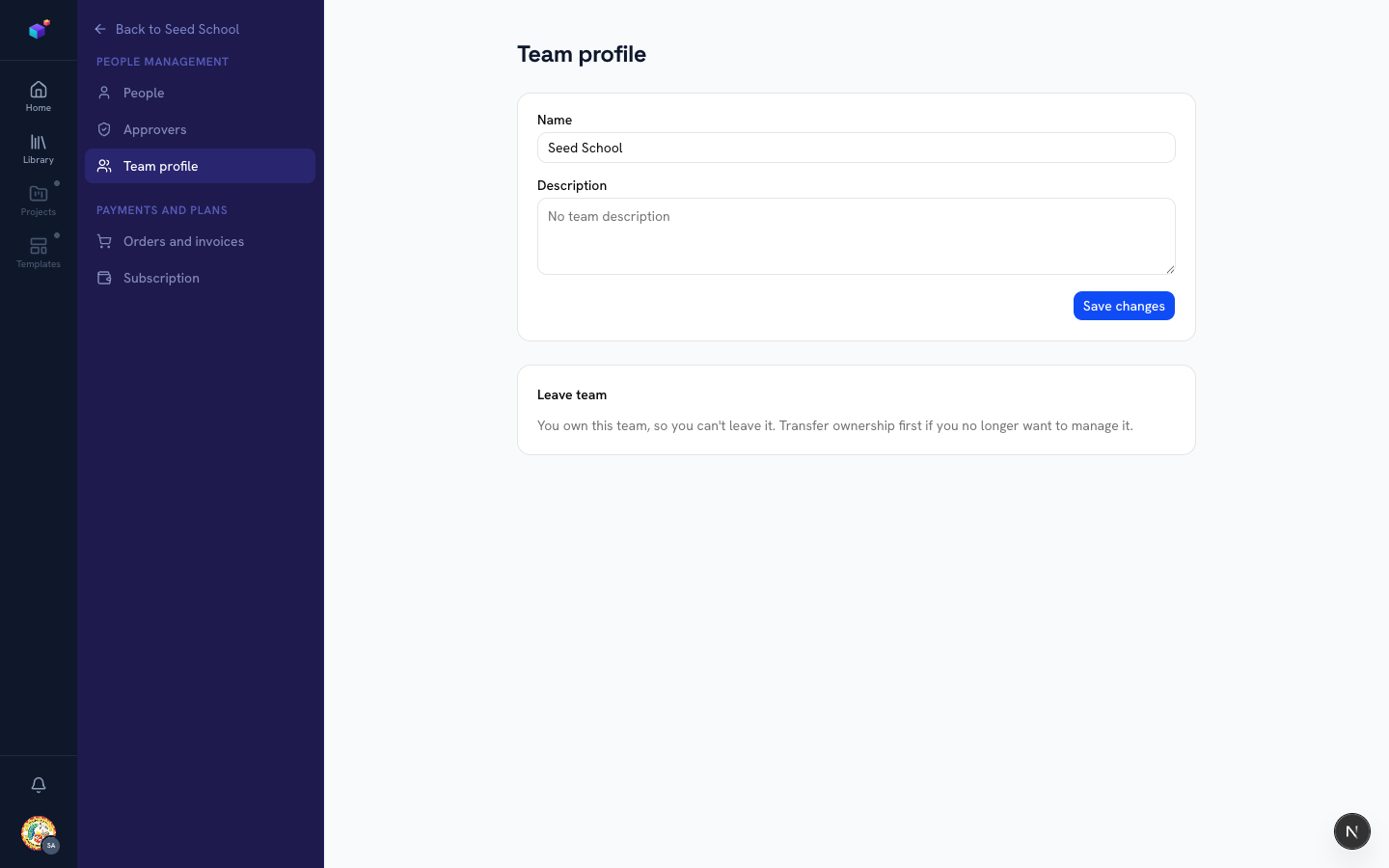
Edit your team profile
Inside a team, go to Settings → Team profile to update its name and description. If you own the team, you’ll also see the option to transfer ownership before leaving.
3
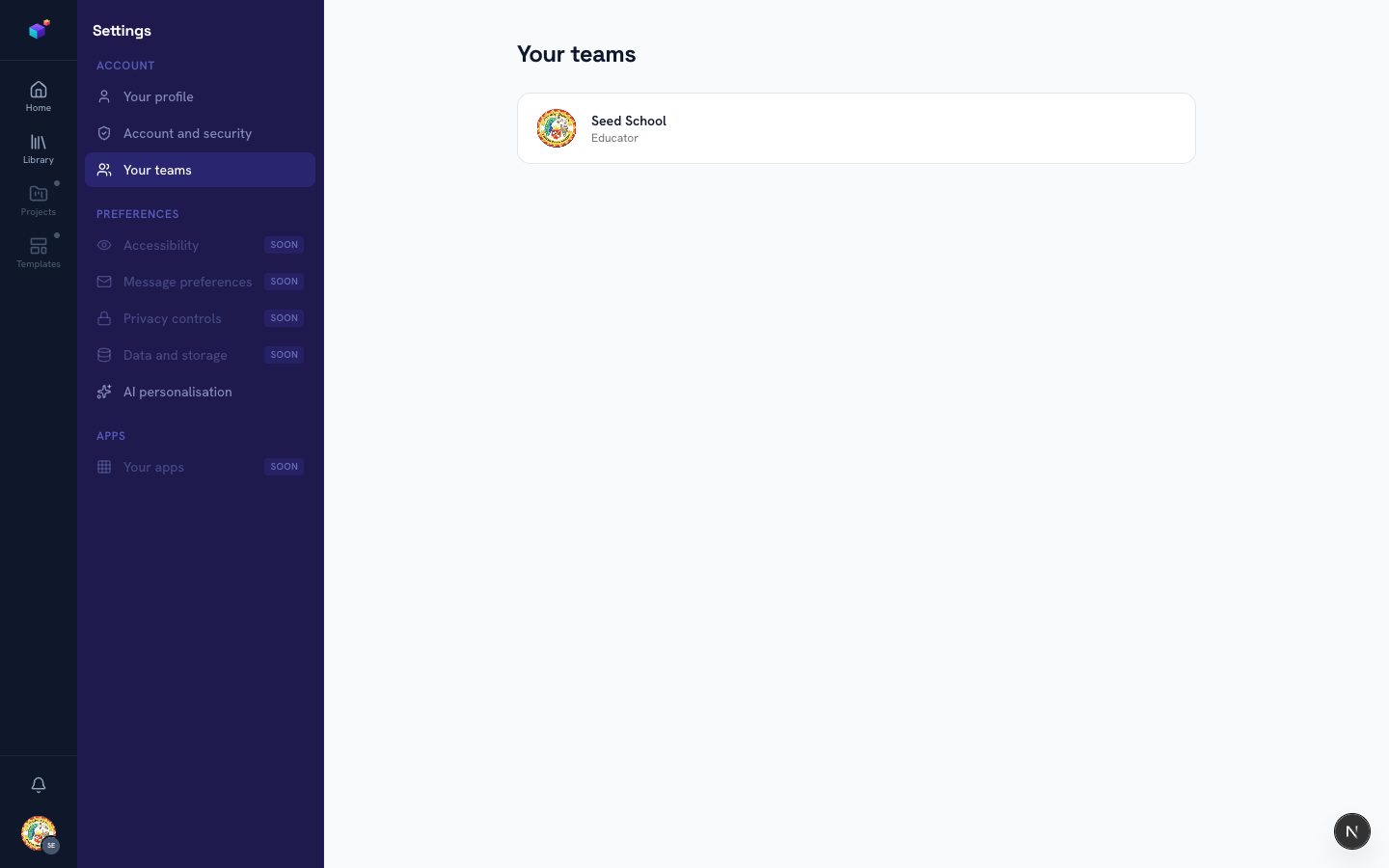
See every team you’re in
From your personal Settings → Your teams, you get a flat list of every team you’re a member of and your role in each one.
Related articles